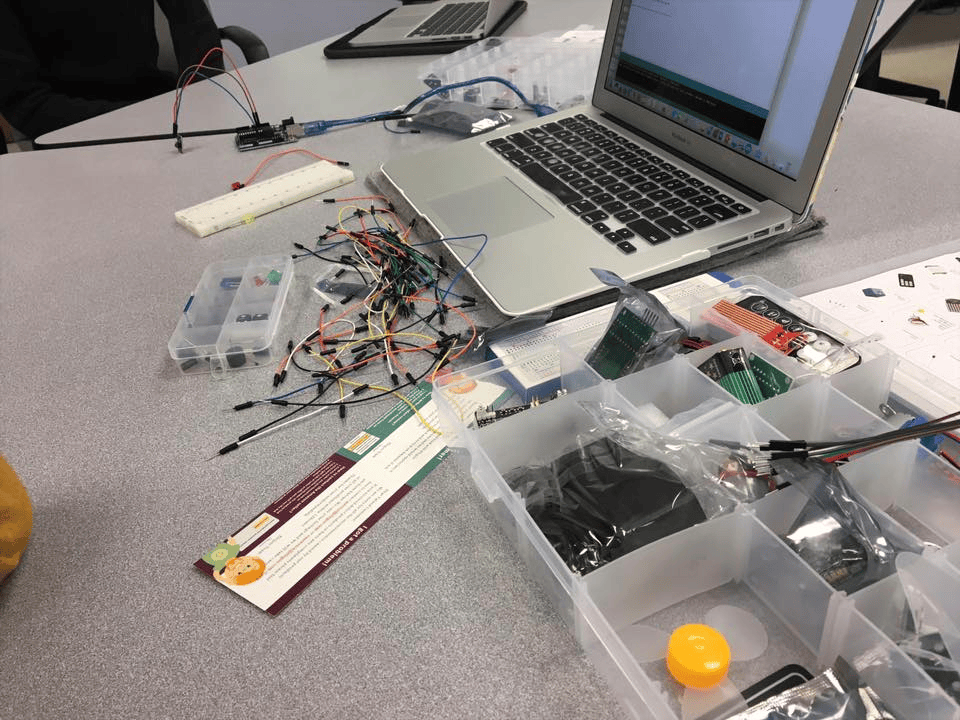
Page Overview
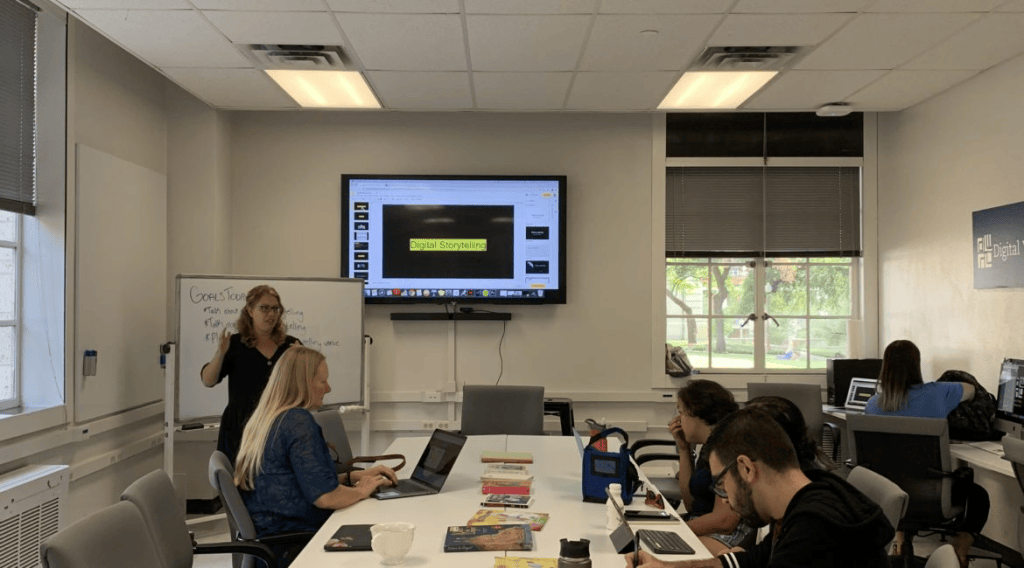
The Digital Writing and Research Lab (DWRL) is a research and pedagogy center at UT Austin devoted to supporting research, writing methods, and pedagogical practices that center digital literacies and praxis in the classroom. I worked as a graduate student researcher and staff member from 2016 to 2018. The following page briefly glosses some of the types of projects that I contributed to or developed during my tenure as a DWRL graduate student researcher and staff member.
Connect with the DWRL on social media:
DWRL Job Description:
My responsibilities as a DWRL staff member included producing multimodal lesson plans and blog posts, creating video tutorials on using digital tools and social media in the classroom, and leading workshops on writing instruction and digital skill acquisition. These workshops included providing PowerPoint presentations on transitioning to college writing to open-source software workshops on tools such as Piktochart or Adobe Express in writing-centric undergraduate courses. I also provided on-site technical support for instructors and students, including troubleshooting issues in digital classrooms and supervising the borrowing and return of the lab’s hardware to faculty and staff. I also conducted independent research using data visualization and sentiment analysis tools funded by the 2017-2018 DWRL Flash Fellowship Project. Working on a team with fellow graduate student researchers, faculty, and undergraduate interns, I participated in accessibility workshops that included learning specific principles and practices of accessible design, such as how to reformat web pages and PDFs to be accessible to screen readers used by visually disabled people and how to audit web page accessibility using methods such as The WAVE Web Accessibility Evaluation Tool.
Lesson Plans:
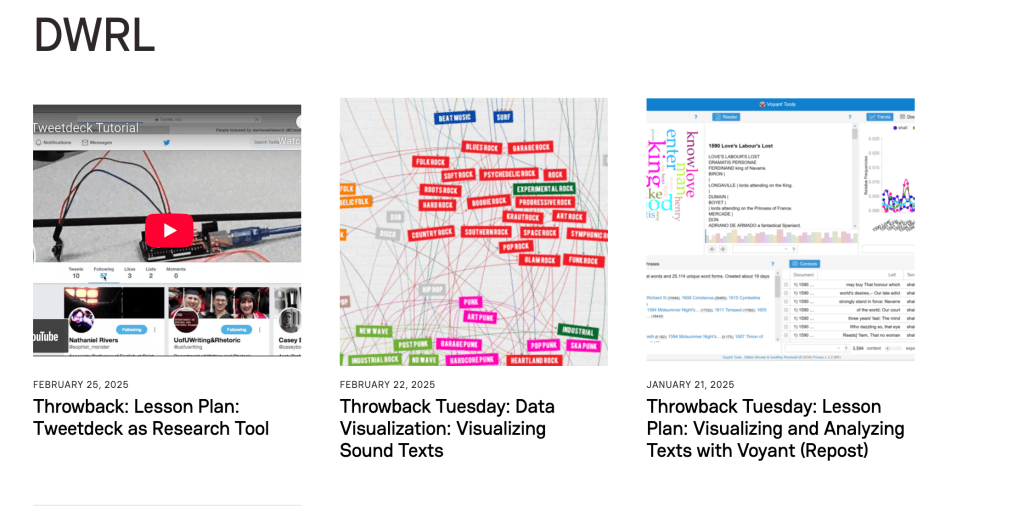
The Digital Writing and Research Lab provides lesson plans for instructors interested in incorporating digital tools into the humanities classroom. As a staff member, I was responsible for writing multimodal lesson plans for publication on the official DWRL website on a regular schedule. As staff member content producers, we were required to provide detailed lesson plans that included step-by-step instructions for both preparation and in-class activities, assessment suggestions for both traditional grading and portfolio assessment, and video tutorials to walk the instructor and students through the lesson. The video tutorials were produced using screen capture software and editing with audio recording on Audacity provided by the DWRL studio.
T
hough I composed numerous videos and lesson plans for the lab, the lab published only a select few from each staff member, leaving some work lost after I left the job. Select video tutorials created for lesson plans can be found on my Portfolio and other lesson plans are archived here.
DWRL Staff Profile – writing that is currently hosted on the Digital Writing and Research Lab official webiste.
Blog Archive of Lesson Plan Material – limited archive of lesson plans written for the lab that have been uploaded online; additional material to come.
DWRL Official YouTube Channel: 1, 2 – Tutorials created to accompany multimodal lesson plans for in-class activities.
Blog Posts:
Graduate student staff were required to produce a series of blog posts related to our group and individual research projects. During my 2 year tenure at the DWRL, I helped maintain the DWRL’s digital presence by creating educational content on a regular schedule, including multimodal lesson plans and blog posts on topics such as data visualization, accessibility, and instructional tutorials on using digital tools. My published work tended to focus on issues of accessible design and data visualization.
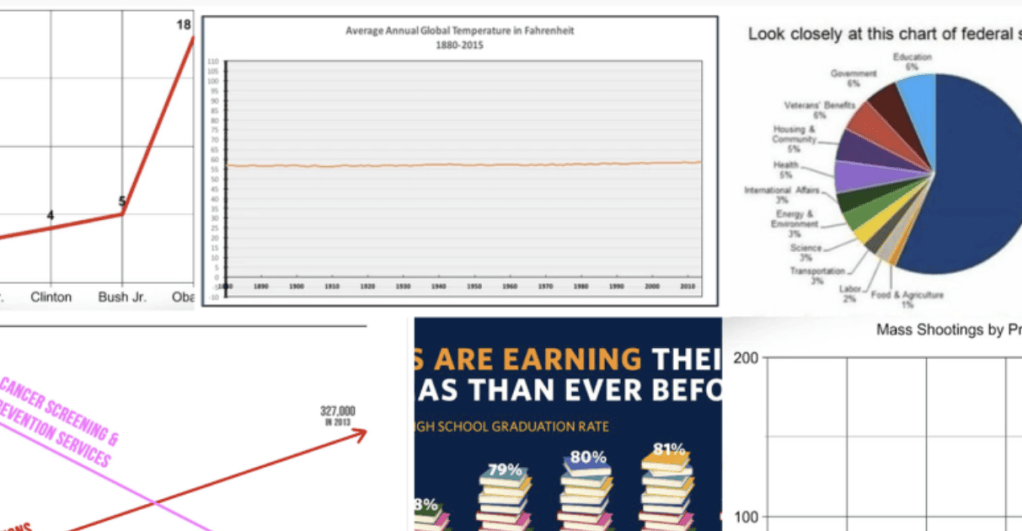
Once again, due to the format corruption issues as seen on one of my lesson plans here, I am in the process of backing up and restoring my work for the lab using The Internet Archive. Currently, the reformatted/archived posts and lesson plans may be found on my official blog archive and (in their original format) under my Documents tab.
Flash Fellowship Project
The DWRL Flash Fellowship project funds graduate student staff members’ independent research projects in digital scholarship. I used the text-mining software OverviewDocs to perform keyword analysis and data visualization techniques in order to identify patterns in how the term “bot” appears in public discourse. My case study corpus consisted of every single article published in The New York Times that contained the keyword “bot,” ultimately consisting of over 400 PDF documents. I manually downloaded each document as a PDF and entered the relevant metadata fields. I also used Overviewdocs’ automated tagging system to identify texts containing keywords, but manually input organization tags for those texts.
Overviewdocs offered tools for sentiment analysis, word cloud visualization, “thought tree” diagrams for topic mining, keyword identification, and other methods for archiving large bodies of text for extensive discourse and corpus analysis projects. I created footage of myself using Overview Docs for various lesson plan video tutorials with screen capture software, archiving evidence of the project data and interface in the various drafts I have archived on my old Vimeo (2016-2019) and elsewhere.
Using these tools, I analyzed how the word “bot” shifted rhetorical contexts in The New York Times over several decades. Though I lost access to the database with the unannounced deletion of Overviewdocs, the screenshots and notes that I kept for my 2018 DWRL “Open House” research presentation provided the data that I used to create the interactive HTML webpage “Bots Across The Times.” My findings were included in the graduate student portfolio for the Spring 2018 DWRL Open House.
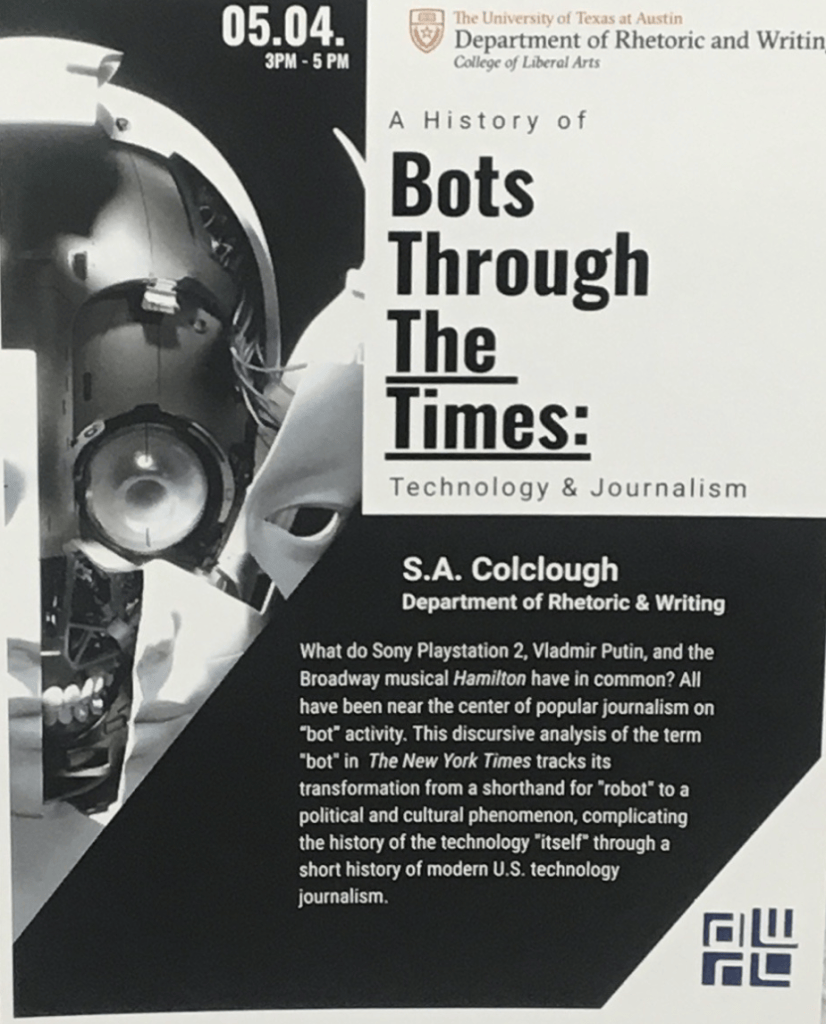
Since losing access to that material, I was still able to recently use what little recorded data I had to create a “case study” for using Claude Opus 5.5 to produce an interactive webpage. I intend to repeat the processes I used to retrieve this output with revisions in the future. The live, interactive HTML webpage can be found here: https://claude.ai/artifact/NR7NCWLXeQKHyDtC4jqQo5
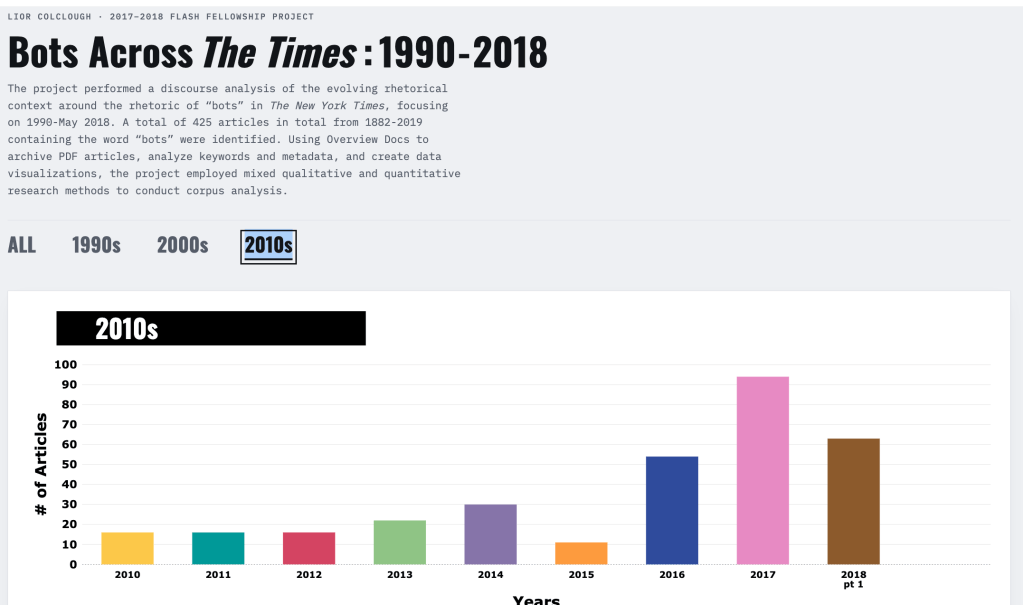
To create this HTML interface, I began by establishing Project parameters using a detailed persona-context-task prompt format to ensure that Claude Opus 5.5 executed commands as I intended. For instance, I instructed the AI tool to avoid using language that “humanized” our interactions (for example, I commanded the AI model to avoid using first- and second-person pronouns or offering unsolicited advice or suggestions) to constrain all our human-AI interactions to enable my creative freedom. The prompt that I wrote to ensure this context can be found in my open-source prompt archive. See more Portfolio for more information on this ongoing project.
I also wrote at length about the 2017-2018 Flash Fellowship project on my Substack as a case study for thinking critically about metadata in discourse analysis. The blog post also contains additional screen-capture footage, visualizations (including errors), notes on the data, and other documentation of the project’s findings.
Unedited screen capture footage created for a lesson plan tutorial circa 2017-2019.
The Open-Source copy of my Spring 2018 Presentation notes (last edited: 6 Apr. 2026) can be found here.
The video below provides some of the last remaining screen capture footage of the Overviewdocs interface.
Selected Software Skills and Tools
During my time at the DWRL, I became proficient in a variety of digital tools and platforms.
Partial List of Tools and Software:
- Adobe Premiere Pro
- DaVinci Resolve
- iMovie
- Audacity
- HTML
- Google Classroom
- Movai Screen Recorder
- Movai Suite
- Microsoft Excel
- Microsoft Office Suite
- Microsoft Word
- NVivo
- Panoptico
- Power Point
- Screenflick
- Symplicity
- Teams Zoom
- Arduino
- WordPress
- Wiz
- Zotero